
Let Claude Untangle Your Messy Folders
File management is the invisible tax on modern work. Claude's Cowork feature is changing everything—from advisor to executor.
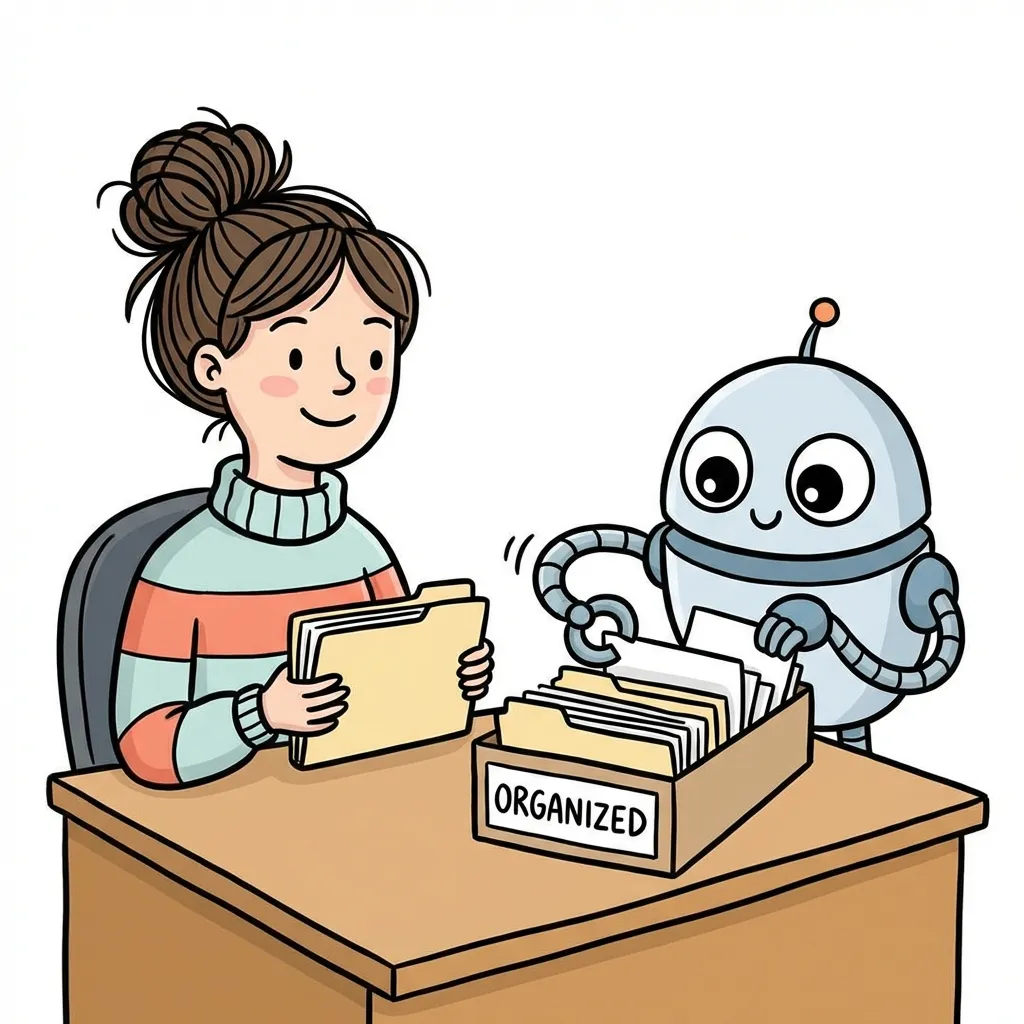
We often call AI an “assistant,” but that word implies a relationship: you think, it does.
In reality, most AI tools aren’t true assistants. They’re more like consultants—telling you what to do, but you still do the work. Until Cowork came along.
Anthropic added Cowork to Claude earlier this year. It did something seemingly simple but profoundly significant: let AI directly operate files on your computer. Not suggest how to organize—actually organize. Not tell you how to write the weekly report—read all your meeting notes and write it for you.
This is the leap from “advice” to “execution.”
From Consultant to Executor
Writing a weekly report with AI used to look like this: copy meeting notes to it, get text output, paste into Word, save.
Now?
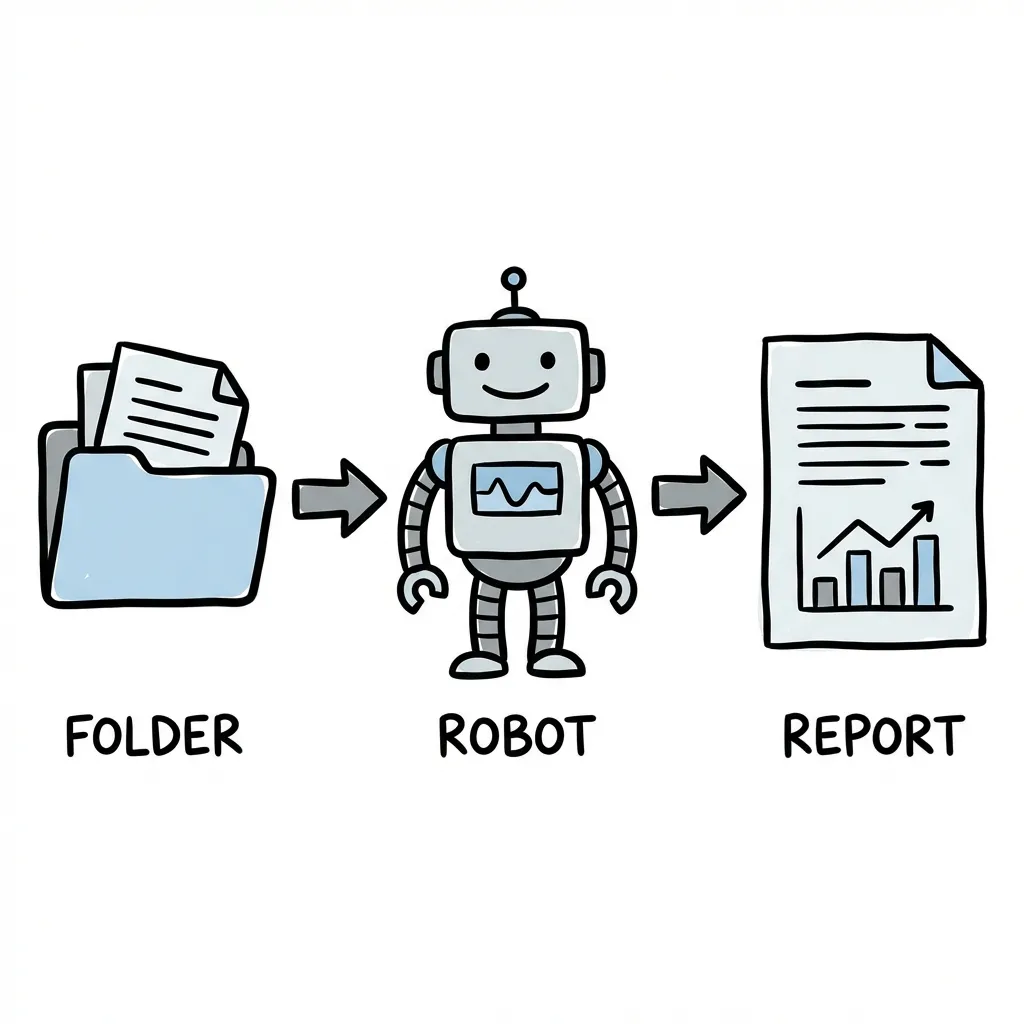
Write my weekly report. Reference meeting notes and task lists in the folder,
format as "This Week / In Progress / Next Week", save as Report_0115.md
Claude tells you what files it’ll read, what document it’ll create. You confirm, and two minutes later a formatted report sits in your folder.
This isn’t 10% efficiency gain—it’s a complete workflow redesign.
Getting Started
Requirements: Mac + Claude Max subscription ($100/month) + latest Claude Desktop.
The price isn’t cheap. But if your work involves heavy document processing, the time ROI is substantial.
Setup steps:
- Download and install Claude Desktop
- Go to Settings → Cowork tab
- Authorize access to a dedicated work folder
Important: Don’t expose your entire user directory. Create a dedicated work folder. Safety first.
My Actual Use Cases
Weekly Report Liberation
Friday report writing was one of my most dreaded rituals. Digging through chat logs, reviewing task lists, trying to remember what I did—half an hour gone.
Now I put relevant files in a folder and let Claude read and compile. Two minutes done.
Downloads Folder Redemption
The Downloads folder is the digital junk drawer of modern life. Mine regularly descends into chaos.
Now I say: “Move images to Images, PDFs to Documents, delete zip files older than a week.”
Clean.
First-Pass Code Review
Have it read all files in the src directory and generate a code quality report. It analyzes structure, flags potential issues, suggests optimizations.
Can’t fully replace human review, but effective as first-pass screening.
Principles
Create boundaries: Dedicated work folder, don’t expose sensitive directories.
Review the plan: Claude explains what it intends to do before acting. Take a few seconds to verify.
Check regularly: It occasionally produces odd output. Develop a checking habit to catch issues early.
The Bigger Picture
Cowork represents an important shift: AI evolving from “tool that talks” to “agent that acts.”
This is just the beginning. Today it organizes files, tomorrow it might do much more.
We’re entering a new era of human-machine collaboration. The question is no longer “what can AI tell me” but “what should I let AI do?”
This is a process of learning new boundaries—both technical boundaries and trust boundaries.