
From Idea to Final Cut with Sora
Text-to-video isn't science fiction anymore. But the real challenge isn't technology—it's learning to 'direct' with language. That's an entirely new creative skill.

Sora’s release made many people realize for the first time: the barrier to video creation is vanishing.
But vanishing barriers don’t mean everyone can make great videos. Tools got simpler, but the difficulty of creation itself hasn’t decreased. It just shifted—from “technical operation” to somewhere else: the ability to think in pictures using words.
This is an entirely new skill: “directing” with text. Before, prompts described static images. Now you describe what happens across time: what moves, how it moves, how the camera follows.
Understanding Sora’s Capability Boundaries
Before using any tool, understand its boundaries. This matters more than learning techniques.
Sora excels at:
- Natural landscapes (time-lapse, lighting shifts)
- Product showcases (clean backgrounds, focused subjects)
- Abstract art (no physical accuracy needed)
- Mood shots (emotion, texture, rhythm)
Sora’s current limits:
- Face consistency
- Complex physical interactions
- Hand movements
- Logical continuity
These limits determine what you should use Sora for. If your video needs a person on-screen speaking throughout, it’s not the best choice right now.
Specs: 5-20 seconds (Pro up to 1 minute), max 1080p, horizontal/vertical/square formats.
Structured Thinking for Video Prompts
Good video prompts need six elements:
- Scene setup - Where it happens
- Subject description - Who/what is the focus
- Action - What movement occurs
- Camera movement - How the camera moves
- Lighting style - Light and texture quality
- Overall mood - Emotional base
Product Showcase Example
A sleek wireless earbuds case slowly opens to reveal glossy earbuds inside,
floating particles of light surround the product, camera dollies in from
a low angle, soft studio lighting with blue accent, premium tech commercial
Keyword breakdown:
slowly opens→ action and pacecamera dollies in→ camera movementlow angle→ shooting anglepremium tech commercial→ overall tone
Natural Landscape Example
Aerial drone shot flying through misty mountain peaks at sunrise,
golden light breaks through clouds, camera smoothly glides forward
revealing a hidden valley below, cinematic film grain
Keyword breakdown:
aerial drone shot→ perspectiveflying through→ motion pathsmoothly glides forward→ motion qualityfilm grain→ visual style
Camera Language Cheatsheet
The basic vocabulary for “directing” with words:
| Term | Effect | Emotion |
|---|---|---|
| dolly in/out | Push/pull | Focus/retreat |
| pan | Horizontal sweep | Survey/reveal |
| tilt | Vertical sweep | Look up/down |
| orbit | Rotate around | Full exposure |
| tracking shot | Follow subject | Accompany/immerse |
| handheld | Shaky footage | Authentic/tense |
Pacing words:
- Slow:
slowly, gracefully, gently, drifting - Fast:
rapid, dynamic, energetic, swift
Video mood depends heavily on rhythm, not just content.
My Actual Workflow
- Ideation: Have ChatGPT draft prompts—it helps expand details
- Testing: Generate 5-second test clip, check if it’s right
- Iteration: Wrong? Adjust prompt. Right? Generate full version
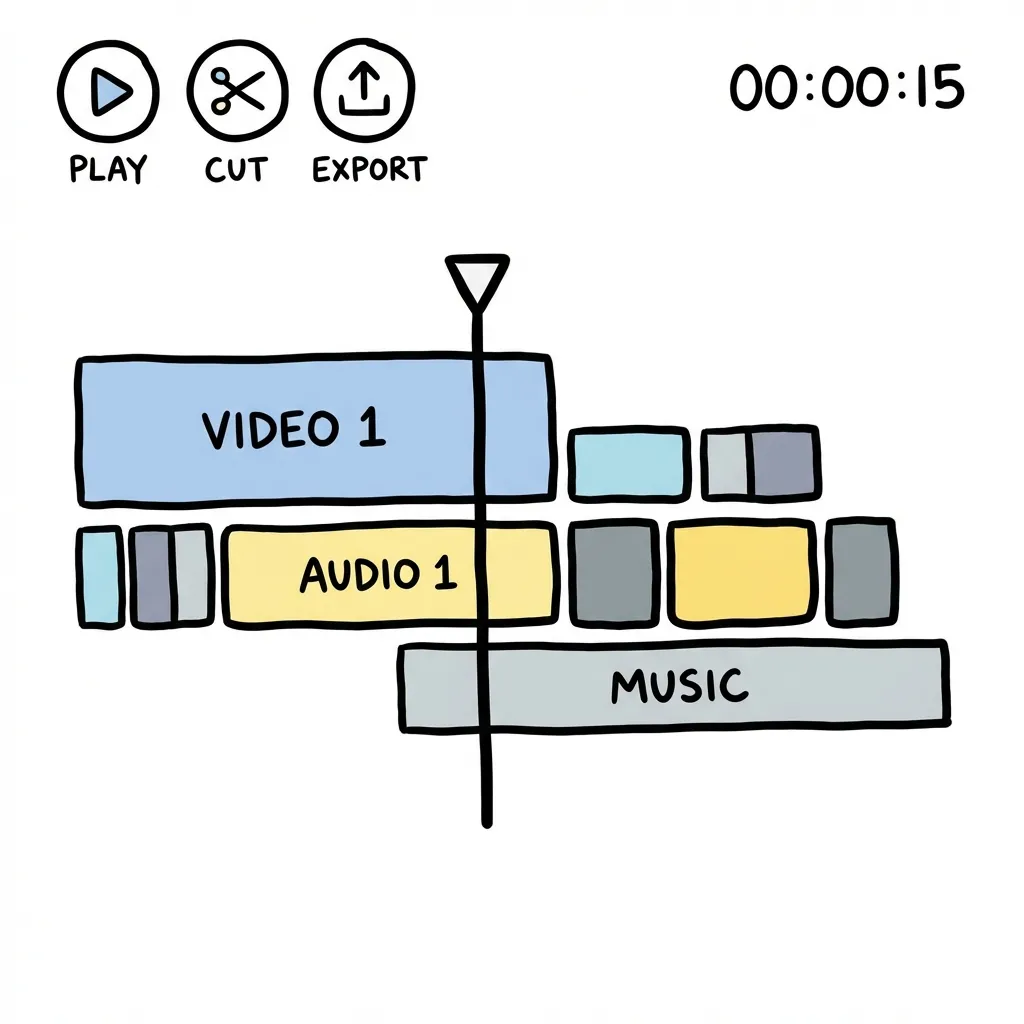
- Post-production: Import to editing software for cuts and color
Long Video Strategy
20 seconds isn’t enough?
Design several consecutive scenes, generate separately, ensure natural transitions between them, stitch in post. Requires some planning, but works better than forcing one long video.
The key is storyboard thinking—break the video into shots in your mind, generate each independently.
Common Issues Cheatsheet
| Issue | Solution |
|---|---|
| Flickering/frame skipping | Add smooth motion, consistent lighting, stable camera |
| Subject distortion | Reduce complex motion, add physically accurate motion |
| Blurry quality | Choose longer generation time, or reduce motion complexity |
Cost & Subscription
| Plan | Price | Best For |
|---|---|---|
| Plus | $20/month | Individual creators, ~50 short video credits |
| Pro | $200/month | Heavy users, unlimited + longer duration |
Recommend starting with Plus. Find your workflow before considering upgrade. $200 is no small amount—make sure you’ll actually use it.
Deeper Thinking
Sora represents not just a new tool, but a paradigm shift in creation.
Making videos used to require: equipment, locations, actors, editing skills. Now, language ability becomes the core creative skill.
People who can precisely describe imagery in words have an advantage over those who can operate software. That’s a fascinating reversal—we thought technology would atrophy humans, but AI video actually demands we become better at thinking and expressing through language.
Learning to “direct” with prompts is a skill that will only grow more valuable. Not because Sora will disappear, but because tools like it will multiply.
The true scarcity isn’t tools—it’s imagination that can wield them.