
Create Designer-Quality Product Images with Midjourney
The barrier to professional product visuals is vanishing. But tools are just the start—aesthetic judgment and iteration patience are the real moat.
Making product posters used to have two paths: pay a designer, or grind through Photoshop yourself.
Now there’s a third path. But it’s not what you imagine—input prompt, get perfect result. The real process looks more like: input prompt, see a decent starting point, then polish.
This is what I want to clarify upfront: AI image generation isn’t magic, it’s a tool. A tool’s value depends on the user’s judgment and patience.
Inverse Thinking: What Determines Image Quality?
Most people think the key to AI images is “finding the right prompt.” Not entirely true.
What really determines final quality is three things:
- Your aesthetic judgment - Knowing what makes an image good
- Your iteration patience - Willing to adjust 3-5 rounds instead of expecting one-shot perfection
- Your prompting skill - Translating the picture in your head to language AI understands
Order matters. Prompting is last, not first.
Preparation
Midjourney subscription $10/month+. Discord account required.
V7’s three key upgrades:
- More precise composition control
- More realistic lighting
- Partial editing finally works
That last one is crucial—before, changing a small detail meant regenerating everything. Now you can modify just what you want.
Structured Thinking for Prompts
Good prompts aren’t sudden inspiration—they’re systematic description. They should contain four layers:
- The product - Material, form, key features
- Scene/background - Environment, atmosphere, supporting elements
- Lighting style - Light direction, contrast, shadow quality
- Overall tone - Brand style, emotional base
Example: Smartwatch poster:
sleek smartwatch with titanium case floating above marble surface,
minimalist studio lighting, soft shadows, product photography,
8K resolution, premium luxury feel, apple style advertising
--ar 3:4 --stylize 350 --quality 2
Each part serves a purpose:
floating above→ Floating effectmarble surface→ Premium feelsoft shadows→ Avoid harsh shadowsapple style advertising→ Direct style reference
Parameter Meanings
--arAspect ratio--stylizeStyle intensity (higher = more creative freedom, lower = more prompt-accurate)--qualityOutput quality
Iteration: The Line Between Pro and Amateur
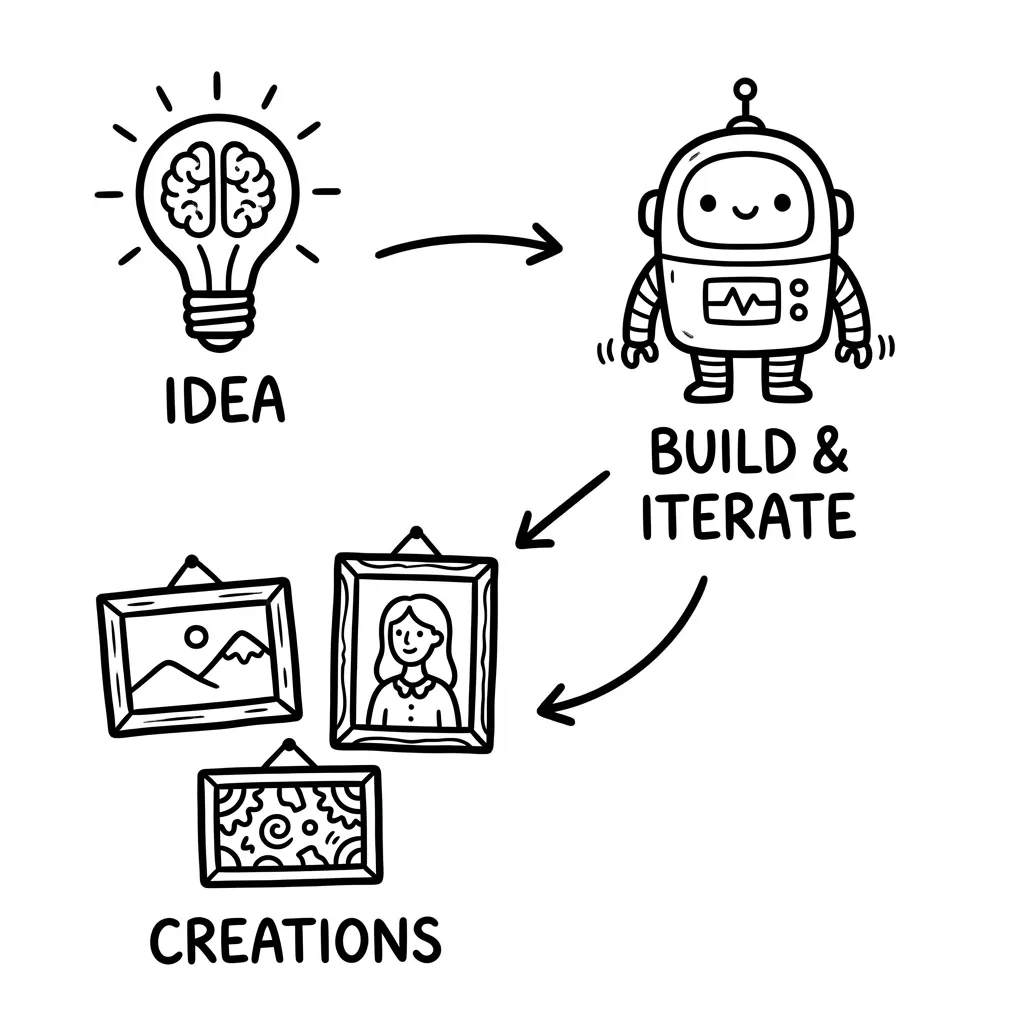
First-generation images are almost never directly usable. The professional approach is accepting this, then iterating.
Midjourney’s iteration tools:
- Vary Subtle - Small adjustments
- Vary Strong - Major changes
- Vary Region - Partial modification
Common Problems & Solutions
| Problem | Solution |
|---|---|
| Product distortion | Add accurate product shape, precise details |
| Messy background | Add clean background, minimal elements |
| Wrong lighting | Specify three-point lighting, key light from right |
| Wrong colors | Use HEX values like #FF6B35 orange accent |
Two Practical Templates
Tech Product Style
[product name] on reflective black surface, neon accent lighting,
cyberpunk atmosphere, product render, dramatic shadows
--ar 1:1 --stylize 400
Beauty/Skincare Style
[product name] surrounded by fresh botanicals, natural daylight,
dewdrops, organic textures, beauty editorial photography
--ar 4:5 --stylize 300
Post-Processing
Midjourney outputs rarely work directly. My workflow:
- Upscale the image
- Import to Canva/Figma, add logo and copy
- Resize for channels
- Instagram: 1080×1350
- Website Banner: 1920×600
- E-commerce main: 800×800
For multiple posters with consistent style, use --sref parameter with reference image URL. For characters, --cref maintains consistency.
Deeper Thinking
AI image generation has a dangerous misconception: the stronger the tools get, the fewer skills you need.
Exactly the opposite. When tools become powerful, aesthetic judgment becomes more valuable. Because tools can generate infinite possibilities, but only you can judge which is good.
Professional designers using Midjourney also iterate 3-5 rounds. The difference isn’t that they get it in one shot—it’s that they know which adjustment direction is correct.
AI lowers the barrier to execution but raises the value of taste.
So don’t lose heart. Try more, adjust more, cultivate your eye. Tools will keep getting stronger, but your judgment will always be the scarce resource.