
The Dual-AI Workflow That Doubled My Coding Speed
Single AI tools have limits. Combining them unlocks the real leverage. This is a story about dividing hand speed from brain power.

Most programmers use AI wrong.
Not that they chose the wrong tool—Copilot, Claude, Cursor are all fine tools. The problem is the mindset: treating AI as one omnipotent assistant instead of a toolbox.
The effective approach is understanding each tool’s strengths, then combining them. Just as a carpenter doesn’t use a hammer to saw wood, a programmer shouldn’t ask a completion tool to do architecture design.
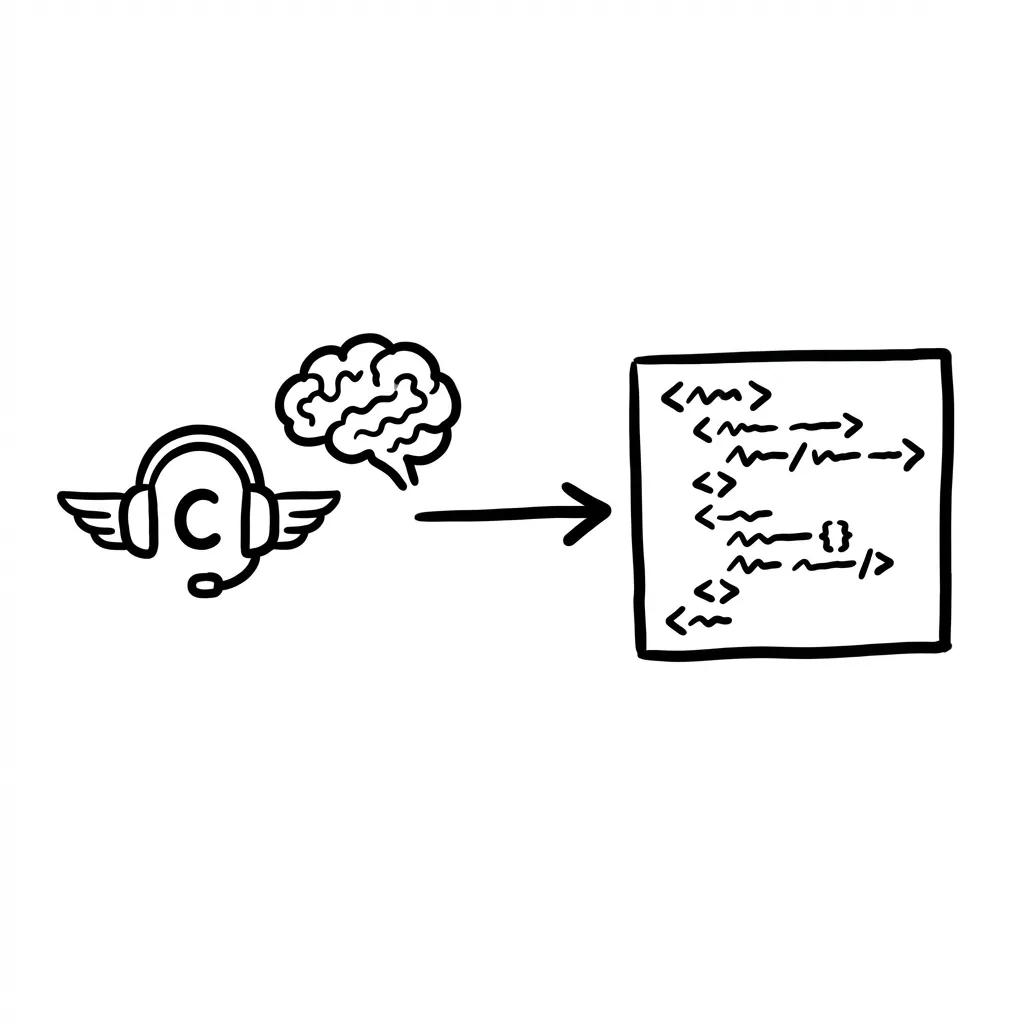
My current combo is GitHub Copilot + Claude. The former handles hand speed, the latter handles brain power. They’re not replacements—they’re complements.
First Principles: The Nature of Division
Why two tools instead of one?
Because programming itself involves two completely different cognitive modes:
Mode 1: Execution - Writing CRUD, calling APIs, handling edge cases, writing tests. These need keyboard speed, not deep thought. Copilot excels here.
Mode 2: Thinking - Designing architecture, analyzing complex bugs, weighing technical tradeoffs, anticipating edge cases. These need deep context understanding and logical reasoning. Claude excels here.
Using one tool for both means forcing it to operate in its weak area. Division allows each to shine.
Copilot: Making Hands Fly
Copilot subscription $10/month, VS Code extension install and go.
Core technique: Comment-driven development.
Don’t write code and let it guess. Write comments first:
# Read CSV, filter records with sales < 1000, group by date and summarize
Then hit enter. The clearer context you give, the more accurate its completions.
Advanced technique: Selective acceptance.
- Tab = accept full suggestion
- Ctrl+→ = accept word by word
- Alt+] = cycle through other suggestions
Pick the best parts from multiple suggestions rather than all-or-nothing.
Copilot’s strengths:
- CRUD operations
- Standard library calls
- Unit tests
- Docstrings
- Regular expressions
Copilot’s weaknesses:
- Complex business logic design
- Architecture decisions
- Tricky bug analysis
- Understanding full project context
For the latter, switch to Claude.
Claude: Liberating the Brain
I use Claude for three types of problems:
1. Architecture Discussion
Before writing code, throw requirements to Claude:
“I need an e-commerce backend handling orders, inventory, payment reconciliation, 10K daily orders—how should I split microservices?”
It gives a quite professional proposal. Far more efficient than thinking alone in silence. Key point: deciding direction before the first line of code beats refactoring later every time.
2. Complex Bug Analysis
Those bugs that reproduce once in hundreds of runs, concurrent data inconsistencies—self-debugging can eat an entire afternoon.
Throw related code, logs, reproduction conditions to Claude. Its analysis helps narrow the search scope, saving tons of wasted time.
3. Code Refactoring
Staring at a 500-line spaghetti function, head spinning.
Have Claude identify independently extractable responsibilities, suggest post-refactor structure. It can also assess whether refactoring will break existing behavior.
If you have Claude Max, Cowork can read code files directly and auto-generate quality reports.
In Practice: Two Complete Cases
Case 1: Developing a New API
- 5 min: Discuss API design and data model with Claude, confirm direction
- 20 min: Copilot assists writing CRUD endpoints
- 5 min: Throw code to Claude for review
- 10 min: Copilot assists writing unit tests
- 5 min: Claude checks test coverage completeness
Total 45 min, used to take two to three hours without AI.
Case 2: Fixing Production Bug
- Throw error logs and related code to Claude for root cause analysis
- It gives several possible directions, more reliable than blind guessing
- Use Copilot for fix implementation and regression tests
- Claude reviews if fix is complete, won’t introduce new issues
Cost & Return
Copilot $10/month + Claude Pro $20/month = $30/month
If this saves one hour of coding per day, that’s 20+ hours per month. Calculate at programmer hourly rates—the ROI is extraordinary.
Deeper Thinking
Copilot accelerates what you already know how to do. Claude helps you think through what to do.
Combining both is the complete AI-assisted programming experience.
But more importantly, this compositional thinking transferrable. Not just programming—any work divisible into “execution layer” and “thinking layer” can apply similar logic for tool selection and combination.
Tools are levers. But the fulcrum is in your head.